What is web hosting? Complete guide for beginners Published: 28 Nov, 2026
What is web hosting? Complete guide for beginners
Web hosting is the service that makes your website available on the internet. When someone types your domain into a browser, hosting is what delivers your site’s files, images, and pages to them. If you’re building a website for the first time, understanding hosting will help you choose the right plan and avoid slow speed or downtime.
How web hosting works
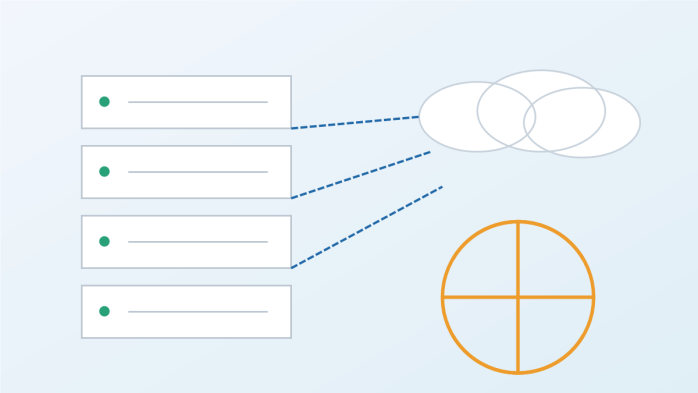
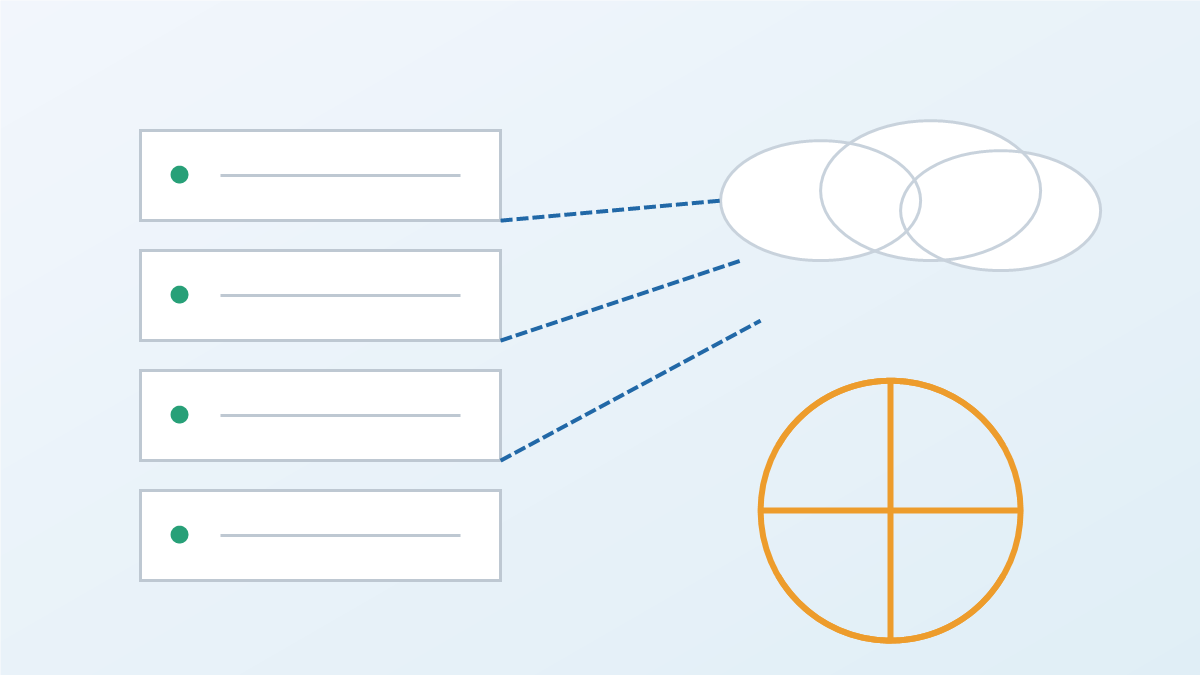
A hosting provider stores your website files on a server that is always connected to the internet. When a visitor requests your site, the server sends those files back to their browser. Your domain name simply points people to the server, so hosting and a domain work together.
Hosting vs domain name
Your domain name is your address (like a brand or location). Hosting is the building where your website lives. You need both to launch a site. If you already bought a domain, connect it to your hosting account using this guide: How to Connect a Domain Name to Your Hosting Account.
Types of web hosting
• Shared hosting: Multiple sites share one server. It’s the cheapest and best for beginners.
• VPS hosting: You get a dedicated portion of a server, offering more power and stability.
• Dedicated hosting: One server just for your site; best for high‑traffic or complex projects.
• Cloud hosting: Your site uses a network of servers, offering flexibility and strong uptime.
• Managed hosting: The provider handles updates, security, and maintenance for you.
Which hosting type is best for beginners?
For most new websites and blogs, shared or managed hosting is the easiest and most affordable starting point. If you expect rapid growth or need custom server settings, consider VPS or cloud hosting later.
Key features to look for
• Uptime guarantee (aim for 99.9% or higher).
• Speed and performance (SSD storage, caching, CDN support).
• Security (SSL, backups, malware protection).
• Support (24/7 chat or ticket help).
• Scalability so you can upgrade without rebuilding.
How hosting affects SEO
Fast, reliable hosting improves page load speed and user experience, both of which impact rankings. If your site is slow or frequently down, search engines may rank it lower. For a strong SEO foundation, pair good hosting with a clean domain strategy: How to Choose a Domain Name.
Do you need email hosting too?
Many hosting plans include email, but for a professional setup, consider Google Workspace or a dedicated email service. This builds trust and keeps your brand consistent. Learn how to set it up here: How to Create and Set Up a Google Email Address with Your Domain Name.
Common beginner mistakes
• Choosing the cheapest plan without checking speed or uptime.
• Ignoring backups and security features.
• Buying a plan that is too advanced and hard to manage.
• Forgetting to connect the domain to hosting properly.
Quick start checklist
• Buy a domain name.
• Choose a hosting plan that matches your needs.
• Connect your domain to hosting.
• Install your website platform (WordPress or another CMS).
• Add SSL and run a speed test.
Bottom line
Web hosting is the engine behind your website. The right plan gives you speed, security, and room to grow. Start with a beginner‑friendly plan, then upgrade as your site gains traffic and features.
For more practical guides on domains and website setup, browse the Domain Univerzum Blog.